 Penstock
Formerly Camunda BPMN Editor. Same plugin, same installs, new name.
The BPMN editor that lives in your IDE.
Draw, check, test and deploy BPMN, DMN and forms for Camunda 7 and 8, next to your code. Free to use, with no time limit. Pro if you want more.
Works in IntelliJ IDEA, WebStorm, PyCharm, GoLand, Rider and VS Code, and on the command line. All install options | Pricing | Ten-minute quick start
29,000+ downloads on the JetBrains Marketplace | No telemetry | Camunda 7, Camunda 8, Operaton, CIB seven
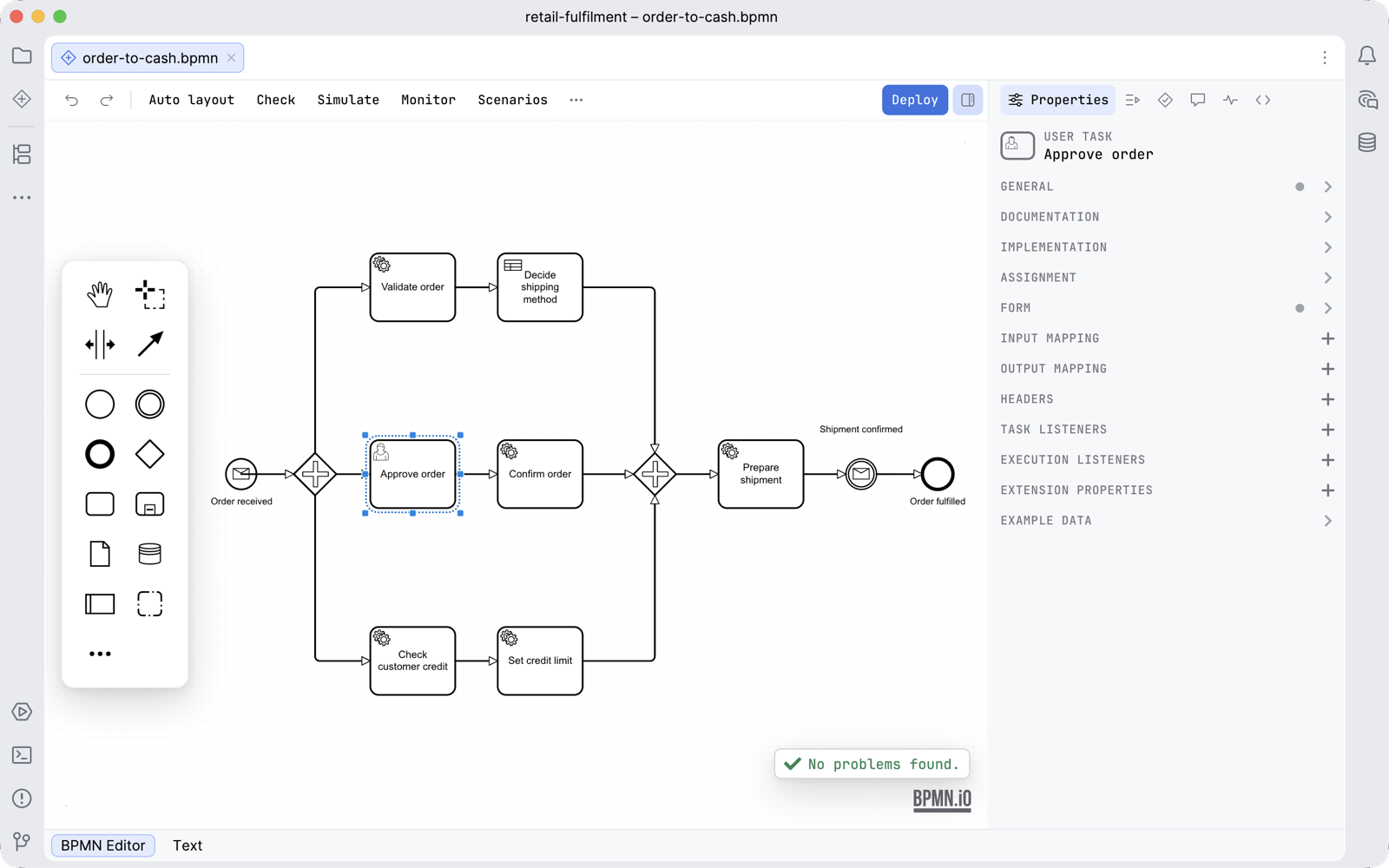
Free, with no time limit. Pro when you want more.
Everything you need to model, check and deploy is free. Pro adds what only Penstock does.
Every new machine starts with 30 days of Pro. No sign-up, no card. See the full comparison, refunds and VAT. Used Camunda BPMN Editor before?
What do you want to do?
Install it in your tool
The features, the licence and the trial are the same in all three.
Penstock and press Install. Quick start.code --install-extension penstock.penstock, or press Install on the Marketplace page. Quick start.npm install -g @kern0x1b/penstock-cli, or try it once with npx @kern0x1b/penstock-cli. It needs Node.js 22.22.2 or later in 22, 24.15.0 or later in 24, or 26 and later. Quick start.Then follow Get started: from nothing installed to a checked, deployed process in about ten minutes. All install options.
What you can rely on
Questions
What happened to Camunda BPMN Editor?
It was renamed Penstock in 2026. It is the same plugin from the same author, so it updates in place and nothing needs to be reinstalled.
Is it really free?
Yes, with no time limit. The editors, check, deploy, Monitor, token simulation, export, import, the element template editor, the connections map, the CMMN viewer and the language server are free. Pro and Team are optional.
What happens after the 30-day trial?
The machine goes back to Free. Nothing is deleted, and a Pro feature asks you to buy when you reach it.
Does it send my diagrams anywhere?
No. A diagram goes only to the engine you deploy to, and to the AI agent you choose if you use the AI chat. There is no telemetry.
Requirements and support
| VS Code | The extension penstock.penstock, for VS Code 1.88 or later. |
| JetBrains IDEs | Any JetBrains IDE from 2023.1 with JCEF, which the standard downloads bundle: IntelliJ IDEA, WebStorm, PyCharm, GoLand, Rider and the rest. |
| Engines | Camunda 7, Camunda 8, Operaton, CIB seven, Flowable, Activiti and plain BPMN 2.0. |
| Command line | Node.js 22.22.2 or later in 22, 24.15.0 or later in 24, or 26 and later. |
| Licence | Free, with 30 days of Pro on every new machine. One licence covers the JetBrains plugin, the VS Code extension and the command line. Read the end user licence, the terms and the third-party notices. |
| Bugs and requests | GitHub issues. A .bpmn file that shows the problem saves the most time. |
| Questions | oleksandr.havrysh5@gmail.com |
| Vulnerabilities | Reported privately. See SECURITY.md. Please do not open a public issue. |
| Changelog | CHANGELOG.md |